
Description
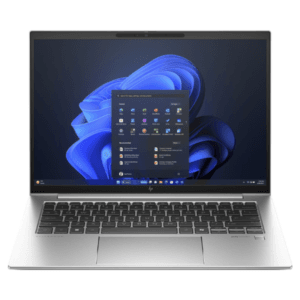
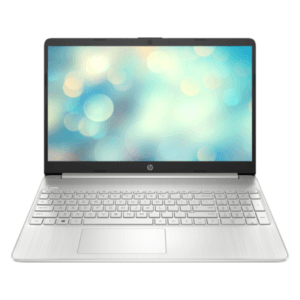
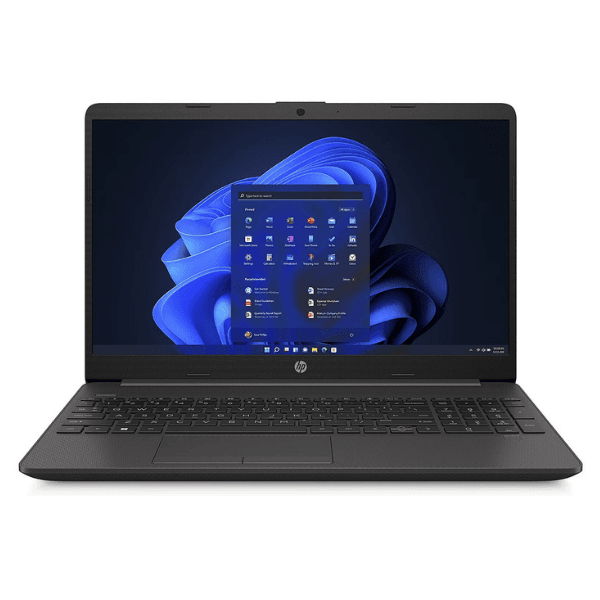
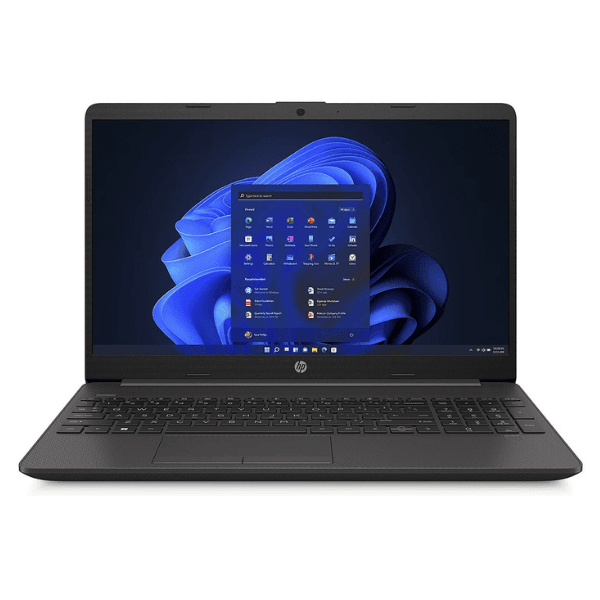
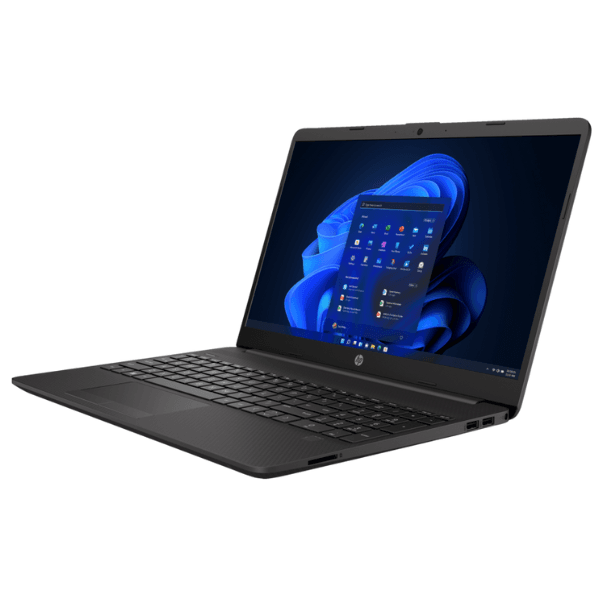
HP 250 G9 Laptop 15.6” Intel Celeron N4500 4GB RAM 256GB SSD Jet Black
The HP 250 G9 Laptop is a reliable and affordable everyday computing solution designed for students, home users, and business professionals who need stable performance for daily tasks. Powered by the Intel Celeron N4500 processor, this laptop delivers efficient performance for web browsing, document editing, online learning, and light office work.
With 4GB DDR4 RAM and a fast 256GB NVMe SSD, the HP 250 G9 ensures quick boot times, smooth basic multitasking, and sufficient storage for essential files and applications. The 15.6-inch HD anti-glare display provides comfortable viewing while reducing reflections, making it suitable for long usage hours.
Running on Windows 11 Home, this laptop offers a modern interface, improved security features, and a user-friendly experience. Its slim Jet Black design and lightweight build make it easy to carry for work, school, or travel.
Key Features
- Intel Celeron N4500 Processor
- 4GB DDR4 RAM for basic multitasking
- 256GB NVMe SSD for fast storage access
- 15.6-inch HD (1366 x 768) Anti-glare Display
- Integrated Intel UHD Graphics
- Windows 11 Home pre-installed
- Wi-Fi 5 and Bluetooth 5.0 connectivity
- Lightweight and portable design
- HD 720p webcam for video calls
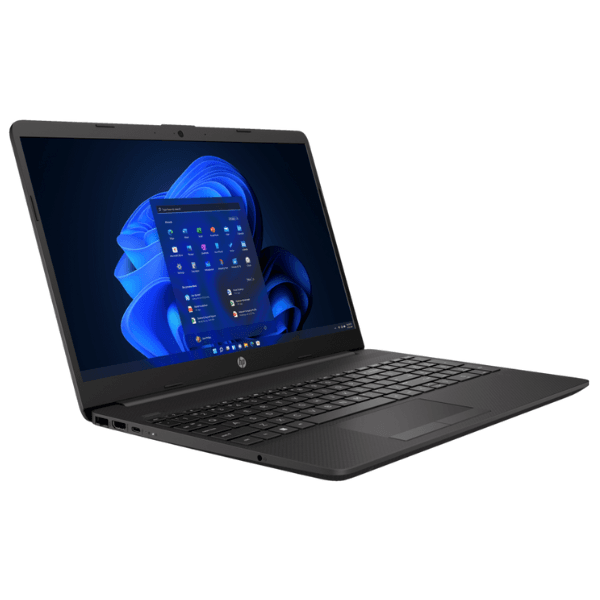
- Multiple USB and HDMI ports
- RJ-45 Ethernet connectivity
- Sleek Jet Black finish
Technical Specifications
| Specification | Details |
|---|---|
| Product Name | HP 250 G9 Laptop |
| Condition | Brand New, Sealed |
| Processor | Intel Celeron N4500 (up to 2.8 GHz burst frequency) |
| Memory (RAM) | 4GB DDR4 |
| Storage | 256GB NVMe SSD |
| Display | 15.6-inch HD (1366 x 768), anti-glare, narrow bezel |
| Graphics | Intel UHD Graphics |
| Operating System | Windows 11 Home |
| Connectivity | Wi-Fi 5 (802.11ac), Bluetooth 5.0 |
| Ports | USB-C, 2x USB-A, HDMI 1.4b, RJ-45, headphone/mic combo |
| Webcam | 720p HD camera |
| Color | Jet Black |
| Warranty | 1 Year Manufacturer Warranty |
Usage Instructions
- Unbox the laptop and verify all accessories.
- Connect the charger and fully charge before first use.
- Press the power button to start the device.
- Follow Windows 11 setup instructions.
- Connect to Wi-Fi and install updates.
Care & Maintenance Tips
- Install antivirus software for protection.
- Use a protective laptop bag when traveling.
- Avoid food and liquids near the device.
- Regularly update Windows and drivers.
- Back up important files to cloud or external storage.
Recommended Uses
Students
Ideal for online classes, assignments, and research.
Home Use
Suitable for browsing, streaming, and communication.
Office Work
Good for documents, spreadsheets, and emails.
Light Business Tasks
Supports basic accounting and administration work.